
SpinsUp Mobile Casino (AU)
Welcome to the Spinsup app, which isn’t actually an app. Currently, we offer a choice of a responsive browser version of the Spinsup mobile app, or a Progressive Web App (PWA). Both options can be used with your standard desktop account. They also offer access to all the same features – from all the bonus offers to customer support, the complete range of games, and even payment/withdrawals.
You can choose either option. It may help to know that a PWA offers an experience akin to an app. In contrast, responsive websites are better at adjusting to different screen sizes. PWAs also offer faster loading times and allow push notifications. Responsive websites don’t, but they are accessed through the browser, eliminating the need to store data.
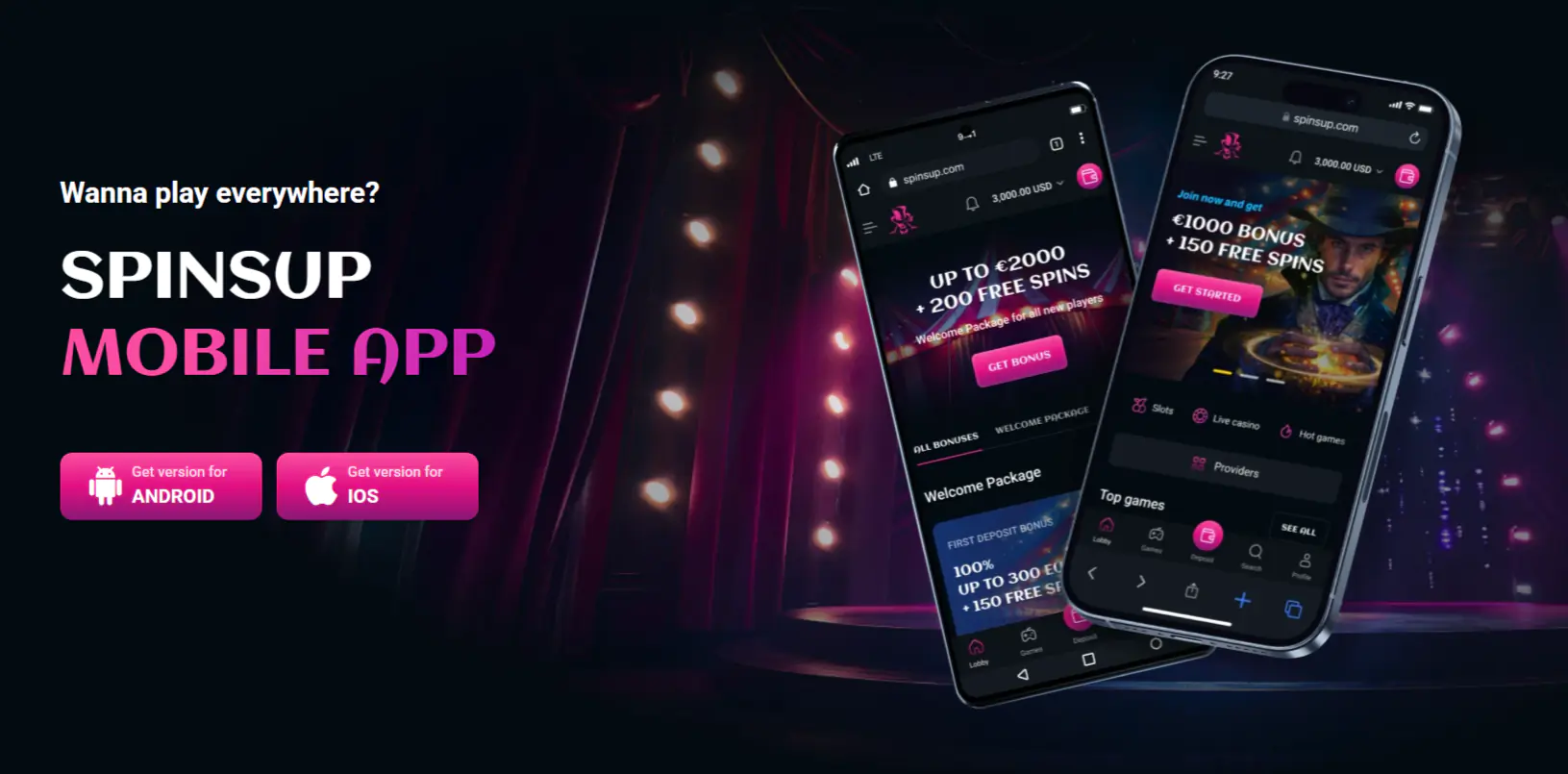
Mobile Overview
With over 50% of people accessing the internet via mobile devices, Spinsup Casino knows that mobile accessibility is essential. That’s why our site can be accessed via virtually any mobile device. It’s compatible with all recent versions of Android and iOS systems.
The mobile site is as responsive as the desktop. You can access the same games, clive hat to customer support, make deposits and withdrawals, and, of course, play as many games as you want. Choose between pokies, table games, live dealer games, and more – all from the convenience of your Smartphone. Best of all, you don’t have to download anything if you don’t want to.
SpinsUp App Guide
Anyone can access the Spinsup mobile app, you simply need the internet to get online and a suitable mobile device. You’ll also have to decide whether to access the app via the responsive mobile browser or using the PWA. If you want to use the responsive browser you simply open your mobile internet and type in the Spinsup, Australia web address. You can add a shortcut to your device:
For Android:
- Open a web browser on your mobile device – this approach works with most main browsers, such as Chrome, Firefox, and even Edge
- Tap the three vertical dots in the top right of the screen
- Look down the list and find ‘add to homescreen’ – select this
- You’ll be asked to confirm you want to add a shortcut: say yes
That’s it, the mobile app Spinsup icon will be on your homescreen. One tap on it will take you to the site and allow you to start playing.
iOS device:
- Again, open the browser on your mobile device. In most cases this is Safari
- Go to the SpinsUp website
- Look at the bottom of your screen – you’ll see a box with an arrow coming out of it. This is the share icon. Tap this
- Select ‘add to homescreen’
- You can customize the name of the link, if desired. Once done, hit confirm and the Spinsup app link will be on your homescreen.
Should you prefer to claim the PWA as your preferred option, you’ll need to do the following:
- Head to the website on your browser. It must be a modern browser such as Chrome, Edge, or Safari
- Now go to the Spinsup PWA website – make sure it states its PWA
- Open the browser menu
- Choose the add to home screen option
- Follow the simple prompts and confirm everything is correct.
- The Spinsup app icon will now be on your home screen. Because it’s a PWA, it will look similar to a standard app.
Key Features
Apps have become very popular, but we believe our responsive browser and PWA offer a better solution. You still gain all the key benefits of playing via a mobile device.
- Fast access and loading compared to the desktop
- Ability to play pokies or other games anywhere, at any time
- No need to use storage space as the responsive browser doesn’t need to be downloaded
- Cheaper – Smartphones generally use less power than desktops
- Convenient – your phone is always with you, no more wasted time wating for someone or commuting, you can simply head to our app
How to Play on Mobile
- It couldn’t be easier to play on the mobile app Spinsup style.
- You simply need to open a web browser and enter the Spinsup website address.
- You can save this in favourites or add a shortcut to your homescreen (as previously described).
- Provided you have your phone and an internet connection, you can access the site anywhere; whenever you want. The login via your mobile is the same as on your desktop. Once you’re on the site, login and start playing.
Mobile Games
Spinsup has thousands of games waiting to be played. All of these can be accessed via the Spinsup app. That includes pokies, table games, and live dealer options. We’ve carefully augmented the app to ensure that all offers can be accessed and all games run smoothly. You’ll find that live dealer games, table games, and even pokies are actually smoother on smaller screens.
The games are optimised for touch controls, optimising your experience while giving you additional benefits such as portrait mode or auto dimming/brightening. You can access any promotional code, play the lottery, collect free spins, or deposit funds: everything to improve your play experience while enjoying the convenience of being mobile.
Mobile Payments
All players, whether new or old, need to deposit or withdraw funds. This is simple when using the Spinsup play mobile option. Just as with the main site, you log into your account and go into the settings. Then, select either deposit or withdraw.
You can enter the amount you wish to transfer and the payment method. Don’t forget to accept your welcome bonus or any other available bonus.
Once you’ve confirmed the transaction, the funds will be immediately transferred. There are plenty of payment options available on the mobile site:
| Payment Type | Processing Time | Charge |
| Visa/Mastercard | Instant | Free |
| E-wallets: Apple Pay, Neosurf, Mifinity, Google Pay | Instant | Free |
| Cryptocurrencies – Ethereum, Bitcoin, Litecoin, Dogecoin, USDT | Instant | Free |
Mobile Security
The Spinsapp mobile platform is designed to keep your data safe. We have the latest 256-bit SES encryption protecting your data from end to end in all transactions. Alongside this, there are a dedicated team of specialists monitoring the main site and mobile sites to ensure that any vulnerabilities are fixed before they become an issue. This, along with all the standard privacy features and secure login protocols means that the mobile sitte is just as safe as the desktop. You can use either in complete confidence.
Pros & Cons of Spinsup Mobile
The final decision is yours, but there are plenty of good reasons to use the Spinsup Casino mobile offering.
| Pros | Cons |
| All the features of the desktop site | No dedicated app |
| Exclusive promotions for mobile customers | |
| Ease of access and convenience | |
| Smooth, easy to use interface | |
| Accessible on virtually any mobile device |
FAQ
If you have a question our customer support officer will be happy to help. However, you may want to check these answers to the most commonly asked questions first.
Is there a dedicated mobile app for Spinsup Casino?
Not at present, although there may be one in the future. At this time, Spinsup Casino offers a responsive browser experience which is the desktop browser shrunk to mobile screen size. We also have a PWA which operates more like an app. Both are convenient, easy-to-use, and you only need a mobile device and an internet connection.
Can I play directly from my mobile browser without an app?
Yes, it’s 2025, anything is possible. If you choose the responsive browser option you’re simply logging into Spinsup via a mobile browser; There’s no need to download anything and you can access all the same features as on the main desktop site.
Is the mobile experience the same as on desktop?
We like to think it’s better. Optimising for smaller screens means the site works smoother and faster, making the play experience even better. At least, that’s our opinion.